What Is ID Verification on JD Shadow and Why You Need to Complete It
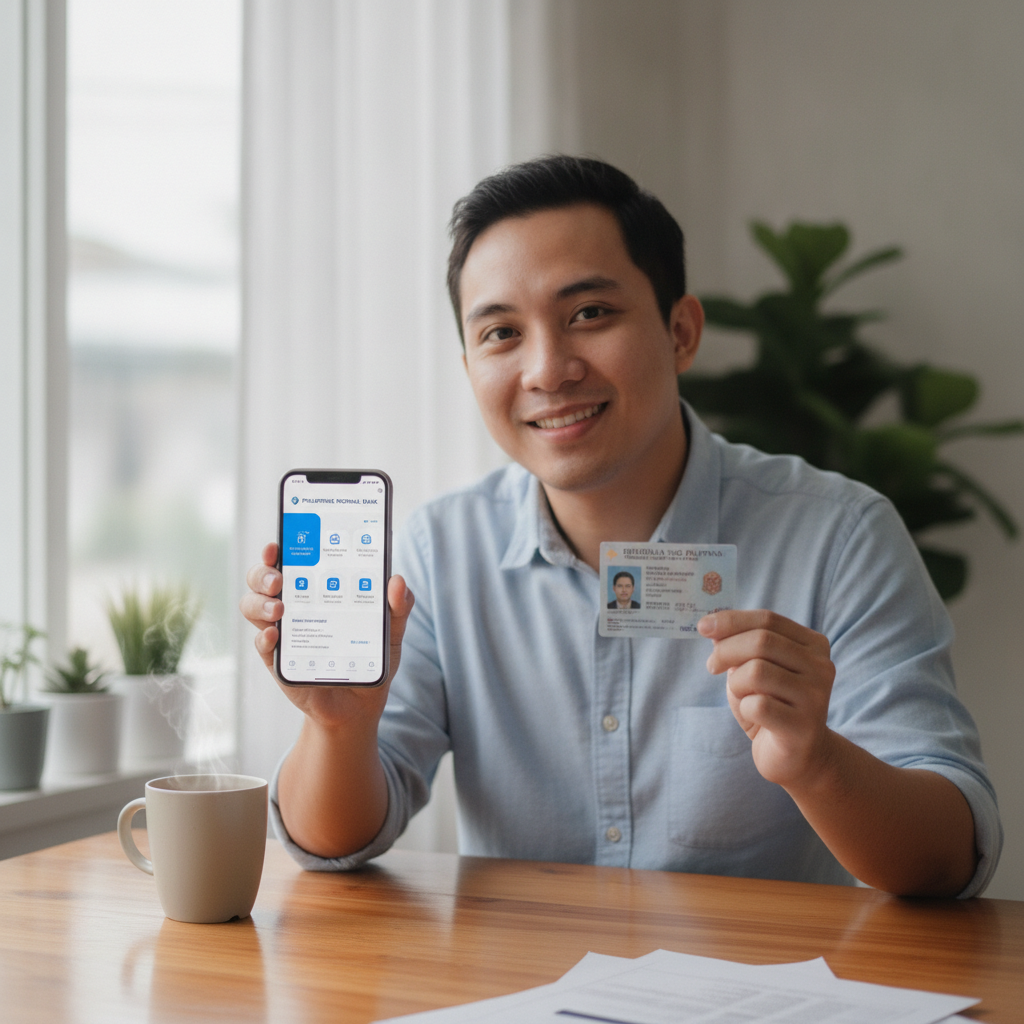
Why JD Shadow Asks for ID During or After Registration
When you sign up at JD Shadow, the platform may ask you to verify your identity before you can place bets or withdraw winnings. This step is not optional—it's a standard requirement across legitimate online casinos and sportsbooks in the Philippines.
JD Shadow requests ID verification for several important reasons. First, it confirms that every player is at least 21 years old, the legal minimum age for online gambling in the Philippines. Second, verification ensures that the name on your account matches the name on your payment method—whether that's GCash, Maya, or a bank account connected through InstaPay or PESONet. This prevents fraud and protects both you and the platform.
Third, ID checks help JD Shadow comply with anti-money-laundering regulations. By confirming your identity, the platform can track deposits and withdrawals properly and flag suspicious activity. While this might feel like an extra hurdle, it's actually a sign that JD Shadow operates with the same safeguards you'd expect from a legit online casino in the Philippines.
You may be asked to upload documents during registration or later—sometimes after your first deposit or before your first withdrawal. The timing varies, but completing verification early means you won't face delays when you want to cash out.
JD Shadow is for players aged 21 and over only. If you feel you're betting more than you can afford, set deposit limits or take a break from play.
Which IDs Are Accepted (Passport, Driver's License, UMID, etc.)
JD Shadow accepts a range of Philippine-issued government IDs. You only need to submit one valid primary ID to complete verification. Here are the most commonly accepted documents:
- Philippine Passport – The most widely accepted ID, especially if your other documents are expired or unclear.
- Driver's License – Both plastic card and paper versions are usually accepted, as long as the photo and details are legible.
- UMID (Unified Multi-Purpose ID) – Issued by SSS, this is a popular choice for many Filipino players.
- Postal ID – Issued by the Philippine Postal Corporation.
- National ID (PhilSys) – The new national ID system is accepted and becoming more common.
- Professional Regulation Commission (PRC) ID – If you hold a professional license.
- Voter's ID or Barangay Certification – Some platforms accept these as secondary proof, though JD Shadow typically prefers one of the IDs listed above.
What to check before uploading:
- The ID must be valid (not expired).
- Your full name must match the name you used during JD Shadow registration.
- The photo, text, and ID number must be clear and readable.
- All four corners of the ID should be visible in the photo—don't crop them out.
If you're unsure whether your ID will be accepted, choose your passport or driver's license. These are almost always approved without issues.
How to Upload Your Documents on Mobile
Most JD Shadow players in Metro Manila and the provinces access the platform on Android phones, so the upload process is designed to be quick and mobile-friendly. Here's how to do it step by step:
Step 1: Log in to your JD Shadow account
Open the JD Shadow website or app on your phone and use your JD Shadow login credentials. If you haven't registered yet, you'll need to complete the JD Shadow register process first.
Step 2: Go to the verification section
Tap your profile icon (usually in the top-right corner) and look for a menu option labeled "Verify Account," "KYC," "Upload ID," or something similar. The exact wording may vary, but it's typically under Account Settings or Profile.
Step 3: Select the type of ID you're uploading
You'll see a dropdown menu or list asking which document you're submitting—passport, driver's license, UMID, etc. Choose the one you have ready.
Step 4: Take a clear photo or select an existing image
You can either:
- Tap "Take Photo" to open your camera and snap a picture of your ID on a flat, well-lit surface.
- Tap "Upload from Gallery" if you already have a clear photo saved.
Tips for a good photo:
- Use natural daylight or a bright room light—avoid shadows and glare.
- Place the ID on a plain, dark background (a table or dark cloth works well).
- Hold your phone steady and make sure all four corners of the ID are in the frame.
- Avoid reflections if your ID has a plastic coating—tilt it slightly if needed.
- Don't cover any part of the ID with your fingers.
Step 5: Upload and submit
Once you've selected or taken the photo, tap "Upload" or "Submit." The file size should usually be under 5 MB, and common formats like JPG or PNG work fine. You'll see a confirmation message once the upload is complete.
Step 6: Check your email or account notifications
JD Shadow may send you a confirmation email or in-app notification to let you know your documents have been received. Some platforms also ask for a selfie holding your ID—if prompted, follow the same steps to take and upload a clear selfie.
If the upload fails or the image is rejected, double-check that the file is clear, in focus, and meets the size and format requirements. You can re-upload as many times as needed.
How Long Verification Usually Takes
After you submit your ID, JD Shadow's verification team will review the documents. In most cases, this process is completed within 24 to 48 hours on business days. Some players see approval in just a few hours, especially if they submit during weekday office hours.
However, verification can take longer if:
- You uploaded a blurry or cropped photo.
- The name on your ID doesn't match the name on your JD Shadow account.
- Your ID is expired or the details are hard to read.
- You submitted during a weekend or Philippine public holiday.
- There's a high volume of new registrations (for example, during a major sports event like the PBA Finals or NBA playoffs).
What happens after approval?
Once your ID is verified, you'll receive an email or notification confirming your account is fully active. You can then deposit using GCash, Maya, or bank transfer (InstaPay or PESONet), place bets on slots, live dealer tables, or sports like PBA, NBA, and volleyball, and request withdrawals without additional ID checks (in most cases).
What if your documents are rejected?
If JD Shadow's team cannot verify your ID, you'll be asked to re-upload. Common reasons for rejection include unclear images, mismatched names, or expired IDs. Simply fix the issue and submit again. The platform will usually tell you exactly what needs to be corrected.
Can you deposit before verification is complete?
Sometimes, yes—JD Shadow may let you make a deposit of PHP 100 to PHP 500 and start playing slots or placing bets while your ID is under review. However, you will not be able to withdraw winnings until verification is fully approved. That's why it's smart to complete this step as soon as you JD Shadow register.
Understanding the JD Shadow Minimum Deposit and Getting Started
Once your ID is verified, you're ready to fund your account. JD Shadow is designed for Filipino players who prefer small, affordable stakes. The typical minimum deposit is around PHP 100, which you can send via GCash, Maya, or bank transfer.
This low entry point makes it easy to try out slots, jackpot games, live dealer tables, or place a bet on a PBA or NBA game without committing a large amount. Many players in the provinces start with deposits of PHP 100 to PHP 500, test the platform, and add more funds once they're comfortable.
Before you start playing, remember that all games and bets carry risk. JD Shadow offers entertainment, not guaranteed winnings, and there is no such thing as risk-free play. Always bet only what you can afford to lose.
21+ Requirement and Play Responsibly Reminder
JD Shadow is strictly for players aged 21 and over. If you are under 21, you are not permitted to register, deposit, or play—even if you can access the site. ID verification exists in part to enforce this age requirement and protect younger Filipinos from gambling-related harm.
If you feel that your betting is becoming a problem—if you're chasing losses, borrowing money to deposit, or spending more than you planned—take a break. Many platforms, including JD Shadow, offer tools to set deposit limits, cooling-off periods, or self-exclusion. Reach out to a trusted friend, family member, or a support organization if you need help.
Gambling should be a form of entertainment, not a source of income or stress. Play responsibly, stick to your budget, and know when to stop.
Final Checklist Before You Play:
- You've completed JD Shadow registration and uploaded a valid, government-issued ID.
- Your ID matches the name on your GCash, Maya, or bank account.
- You've received confirmation that your account is verified.
- You understand the JD Shadow minimum deposit and are ready to fund your account with an amount you can afford.
- You've read the responsible gambling reminder and know how to set limits.
Once these steps are done, you're ready to explore slots, live dealer games, bingo, and sports betting on JD Shadow. Good luck, and play smart.